DevDoz POS — Offline Desktop Retail System
Retail POS & Inventory
DevDoz POS — Offline Desktop Retail System
Electron & SQLite POS with Barcode Scanning, Local Backups & Role Audits
Key Metrics & Impact
Process sales, manage inventory, and view business reports with zero internet dependence.
Instant product lookups via barcodes/SKUs and real-time automated stock updates.
Peace of mind with scheduled daily database backups stored locally on disk.
System Overview
Executive Summary
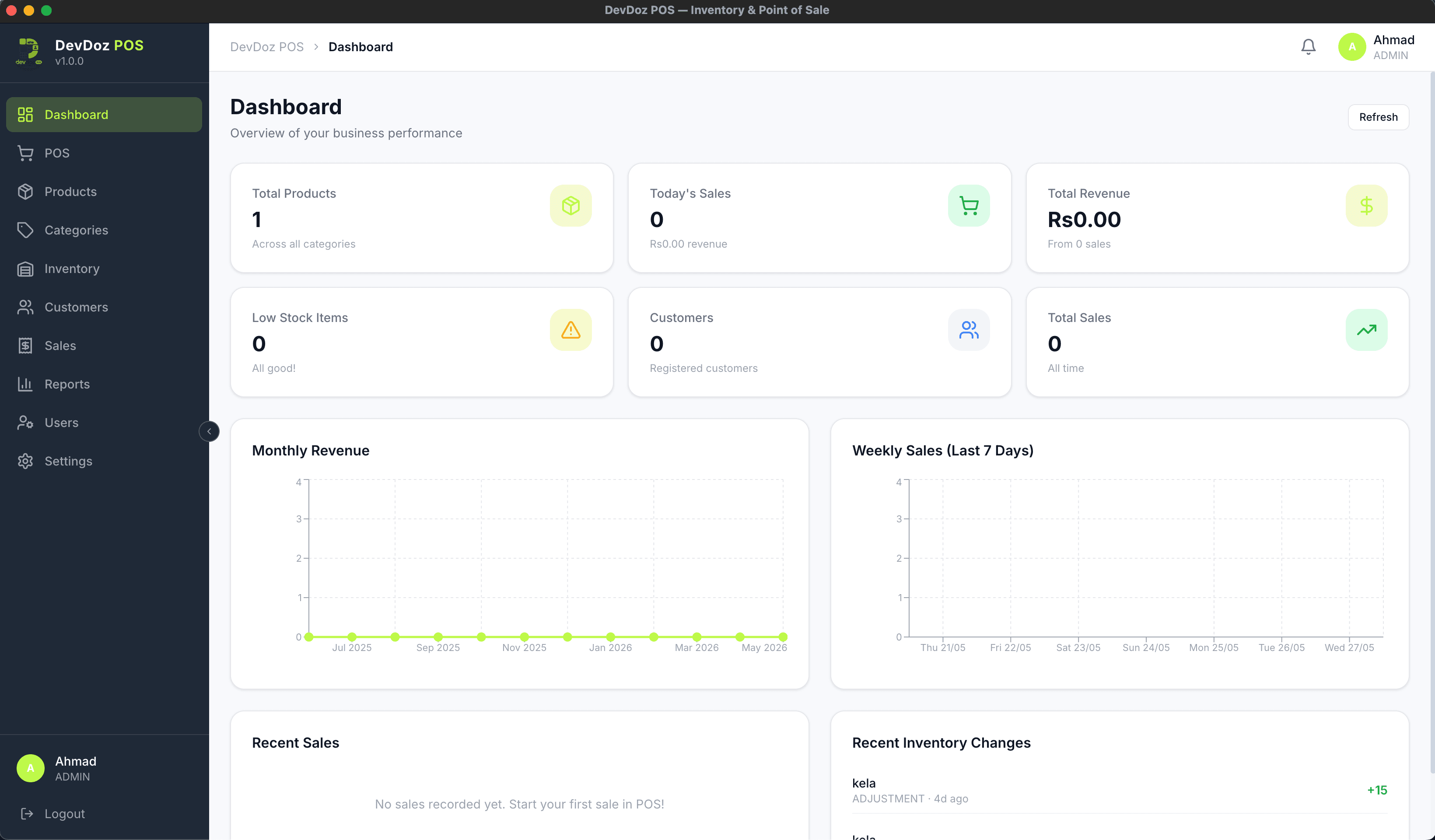
DevDoz POS is a production-ready desktop Point of Sale and inventory management application designed for small retail businesses that need a reliable offline system. Built as an Electron desktop application with a React and TypeScript frontend, it leverages SQLite through Prisma for local persistence, ensuring uninterrupted operations, real-time stock counts, and secure data handling without requiring internet access.
The Project Challenge
Many neighborhood convenience stores, pharmacies, and small retailers rely on manual ledger books or cloud-based POS tools that suffer from internet outages. This leads to inaccurate sales histories, inventory overselling, lack of real-time stock visibility, time-consuming manual receipts, and potential data loss. DevDoz POS addresses these challenges by offering a robust, offline-first application that handles checkout, stock routing, and auditing on-device.
Main Objectives
- Build a fast checkout screen supporting barcode scanner integrations and quick SKU searches
- Ensure robust local storage and high performance using SQLite and Prisma ORM in an Electron shell
- Maintain accurate stock levels automatically upon checkout and log every inventory movement
- Provide business owners with daily/monthly performance reports, category charts, and PDF/Excel exports
- Implement role-based access for Admins, Managers, and Cashiers, with automated database backups
System Architecture
Role-Based Controls & Security
A multi-tier Role-Based Access Control (RBAC) system controls accessibility: ADMIN users hold complete control over settings, users, inventory, reports, and backups; MANAGER users handle stock management, category creation, customer profiles, and report analytics; CASHIER users are restricted to the POS checkout screen, basic product lookups, and customer association.
Automated Workflows
Sales completion automatically generates serialized invoices (e.g. INV-00001), decrements product quantities, creates transaction-linked inventory logs, and checks for low-stock thresholds to alert managers. It also runs a daily background scheduler to create local backups of the SQLite database.
UX Redesign & Styling System
The user interface is designed with a premium, accessible dark/glassmorphic look using Tailwind CSS. Key features include keyboard shortcuts for speed, dynamic charts utilizing Recharts for revenue metrics, TanStack Table for efficient list views, and a dedicated modal displaying clean print-ready receipts.
Business Impact & Outcomes
- •Guaranteed continuous operations during network outages, maintaining 100% checkout uptime
- •Reduced administrative overhead through automatic inventory audit logging and alerts
- •Minimized human error in cart calculations, tax applications, and payment method summaries
- •Provided shop owners with actionable insights via real-time revenue and product sales charts